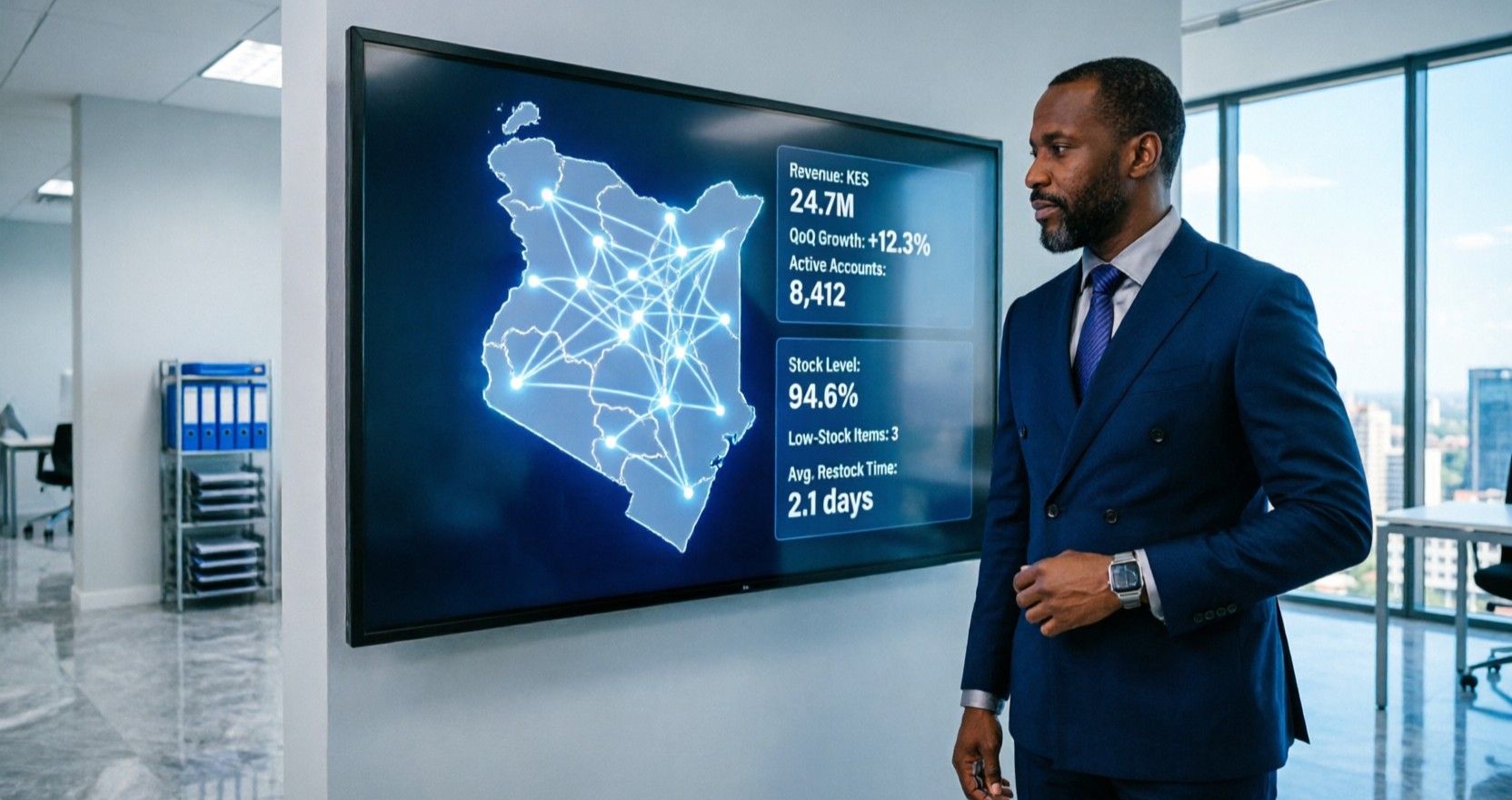
Opening a second or third branch is a massive milestone for any Kenyan business. It is proof that your product or service is in demand and that your initial strategy is working. But as the ribbon is cut and the new doors open, a new, quiet anxiety often sets in for the business owner.
Suddenly, you are no longer just managing a business; you are managing a network.
At IpsumTek Consult Ltd, we speak with founders and CEOs every week who have successfully expanded their footprint, only to find that they have lost visibility into their own operations. They know the new branch is generating sales, but they do not know the true profit margin. They know stock was sent from the main warehouse, but they do not know if it actually arrived or was sold.
This loss of visibility is what we call "branch blindness." And the only way to cure it is by upgrading your technology. Here is how Microsoft Dynamics 365 Business Central gives you absolute, real-time control over every branch in your network.
1. Ending the "Spreadsheet Consolidation" Nightmare
When you operate a single location, closing the month is relatively straightforward. When you have three branches, each with its own manager, the finance team’s nightmare begins.
Typically, each branch manager exports their local sales and expenses into an Excel sheet and emails it to the head office. The finance team then spends the first two weeks of the new month manually copying, pasting, and fixing formatting errors to create a consolidated report. By the time the management accounts are ready, the data is already three weeks old. You are making strategic decisions based on history, not reality.
The Business Central Fix: Business Central eliminates the need for manual consolidation. Because it is a centralized, cloud-based database, every invoice posted at the Mombasa branch, every expense logged in Nakuru, and every payment received in Nairobi flows into the same system in real time. At any given moment, the CEO can open a dashboard and see the exact consolidated profit and loss statement for the entire group, or drill down into a specific branch with a single click. Month-end closing drops from two weeks to two days.
2. True Multi-Location Inventory and Intercompany Transfers
Inventory management across multiple locations is where businesses lose the most money. A common scenario we see is Branch A running out of a fast-moving item, while Branch B has three months' worth of the same item gathering dust. Because the systems are disconnected, the head office ends up buying more stock from a supplier, tying up valuable cash flow.
Furthermore, transferring goods between branches often becomes an administrative black hole. Goods leave one warehouse but are never officially "received" in the other, leading to massive stock discrepancies.
The Business Central Fix: Business Central treats your entire network as a single, unified supply chain. You can set up automated reorder points for each specific branch location. If Branch A hits its minimum stock level, the system can automatically trigger a transfer order from Branch B.
When the goods leave Branch B, the system updates the inventory in transit. When Branch B scans or receives the goods, the inventory updates automatically. You always know exactly where every single item is, whether it is on a shelf, in a delivery truck, or sitting in a warehouse.
3. Standardized Processes and Role-Based Security
As you add branches, you add people. You cannot personally oversee every transaction anymore. You need to trust the system to enforce your company’s rules.
In disconnected systems, branch managers often develop their own "workarounds." One branch might give unauthorized discounts to close a sale; another might process a purchase order without proper approval. This inconsistency erodes your profit margins and creates compliance risks.
The Business Central Fix: Business Central allows you to enforce strict, standardized workflows across all locations. You can configure the system so that any sales discount above 5% automatically routes to the head office for approval, regardless of which branch is processing it.
Additionally, you can use granular, role-based security. A branch manager in Kisumu can see the sales and inventory data for Kisumu, but they cannot see the payroll data for the Nairobi head office. You give your teams the exact access they need to do their jobs, without exposing sensitive company-wide data.
4. Simplified Local Compliance Across the Network
In Kenya, tax compliance is not optional, and the Kenya Revenue Authority (KRA) requires strict adherence to eTIMS regulations. If you have multiple branches, each issuing invoices, managing eTIMS compliance manually for each location is a recipe for disaster. A missed transmission at one branch can lead to penalties for the entire company.
The Business Central Fix: Because Business Central centralizes your data, your eTIMS integration works uniformly across all branches. When a user at any branch posts an invoice, the system automatically formats and transmits the data to KRA in the background. The compliance burden is lifted from the individual branch managers and handled automatically by the system, ensuring every single invoice in your network is legally valid and tax-compliant.
Conclusion
Expanding your business to multiple branches is a sign of incredible success. But it requires a shift in how you manage your operations. You cannot run a multi-branch enterprise on single-branch tools.
Microsoft Dynamics 365 Business Central is specifically designed to scale with your ambition. It replaces branch blindness with total visibility, manual consolidation with automated reporting, and inventory chaos with a unified supply chain.
At IpsumTek Consult Ltd, we specialize in helping growing East African businesses configure Business Central to manage complex, multi-branch operations. If you are ready to take control of your entire network, reach out to our consultants at consult@ipsumtek.dev for a multi-location readiness review.