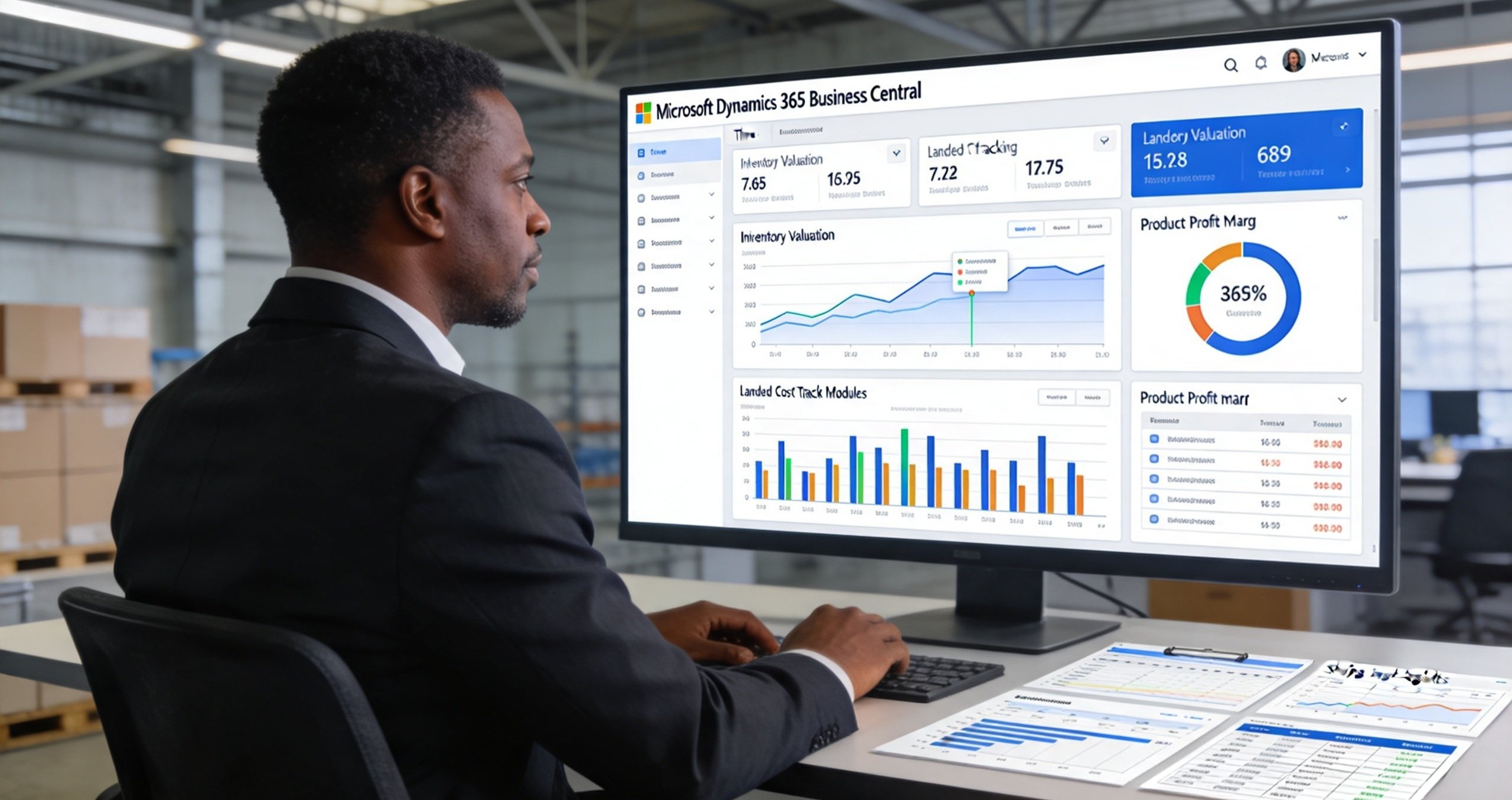
You just closed a massive sales deal. The revenue looks fantastic on the dashboard. But when the month ends and the accountant calculates the true cost of the goods sold, the profit margin is razor-thin. In fact, on some of those items, you might have actually lost money.
How does this happen?
For many distributors, manufacturers, and retailers, the answer is simple: they are guessing their inventory costs. They rely on outdated standard costs, or they forget to factor in freight, customs duties, and handling fees. This leads to "margin erosion," a silent killer of profitability where you sell more but earn less.
At IpsumTek Consult Ltd, we frequently help businesses uncover these hidden leaks. If you do not know the exact, real-time cost of every single item in your warehouse, you cannot price correctly. Here is how Microsoft Dynamics 365 Business Central masters inventory valuation and costing to protect your margins.
1. The Landed Cost Blind Spot
When you import goods, the price you pay the supplier is only a fraction of the true cost. You also pay for shipping, insurance, customs duties, port handling, and local transport.
In basic accounting systems, these extra costs are often dumped into a general "Freight Expense" account at the end of the month. This means your inventory value on the balance sheet is artificially low, and your profit margin on the specific items is artificially high. You end up pricing your products based on the supplier invoice, not the actual landed cost.
The Business Central Fix: Business Central features a robust "Item Charge" functionality. When you receive an invoice from your freight forwarder or clearing agent, you can assign those specific charges directly to the related purchase receipts.
The system then automatically reallocates those costs across the items received, updating the actual cost of each unit in real time. When you sell that item, your Cost of Goods Sold (COGS) reflects the true landed cost. Your margins are accurate, and your pricing decisions are based on reality, not guesses.
2. Choosing the Right Valuation Method
Different businesses require different inventory valuation methods. Some need to track the exact physical flow of goods, while others need to smooth out price fluctuations. Managing this manually is a mathematical nightmare.
The Business Central Fix: Business Central supports all major inventory costing methods out of the box: FIFO (First-In, First-Out), LIFO (Last-In, First-Out), Average, Specific, and Standard.
You can even assign different costing methods to different items. For example, you might use FIFO for your perishable goods to ensure the oldest stock is sold first, while using the Average method for your hardware items to smooth out supplier price fluctuations.
When you post a sale, the system automatically calculates the cost of that specific item based on the chosen method and posts it to the general ledger. There is no manual calculation, no spreadsheet formulas, and no end-of-month guessing.
3. Real-Time Margin Visibility
In many businesses, managers only find out if a sale was profitable weeks later, after the finance team has run the month-end reports. By then, the opportunity to adjust pricing or negotiate better supplier rates has passed.
The Business Central Fix: Because Business Central updates inventory costs in real time, your sales team can see the expected profit margin before they even confirm a quote.
When a salesperson creates a sales order, the system pulls the latest item cost (including any recent landed cost adjustments) and compares it to the selling price. The expected margin is displayed right on the screen. If the margin falls below a certain threshold, the system can automatically flag it for manager approval.
This empowers your team to negotiate better prices on the spot and ensures that every single order that leaves your warehouse contributes positively to your bottom line.
4. Handling Variances and Standard Costing
For manufacturers, calculating the cost of a finished good is incredibly complex. It involves raw materials, direct labor, and machine overhead. Many manufacturers use "Standard Costing" to simplify this, but when actual costs differ from the standard, it creates variances that must be tracked and analyzed.
The Business Central Fix: Business Central’s manufacturing module handles standard costing effortlessly. You define the standard cost for your raw materials and routing. When you produce a finished good, the system values it at the standard cost.
At the end of the period, the system automatically calculates the purchase price variances (for raw materials) and the manufacturing variances (for labor and overhead). These are posted to specific variance accounts, giving management a clear, detailed view of exactly where production inefficiencies are occurring. You can then take targeted action to reduce waste and improve margins.
Conclusion
Profit margin is not just a number on a spreadsheet; it is the lifeblood of your business. If you are guessing your inventory costs, you are flying blind.
Microsoft Dynamics 365 Business Central eliminates the guesswork. By accurately tracking landed costs, automating complex valuation methods, and providing real-time margin visibility, it ensures that every sale you make is genuinely profitable.
At IpsumTek Consult Ltd, we help businesses configure Business Central to master their inventory costing. If you are ready to stop guessing and start protecting your margins, reach out to our consultants at consult@ipsumtek.dev for an inventory costing assessment.